
Flooring visualiser Sydney

Preview flooring looks before starting your quote

Compare hybrid, laminate and engineered timber directions in a sample room, then carry the closest look into Operon's quote, floor plan or quote review workflow.
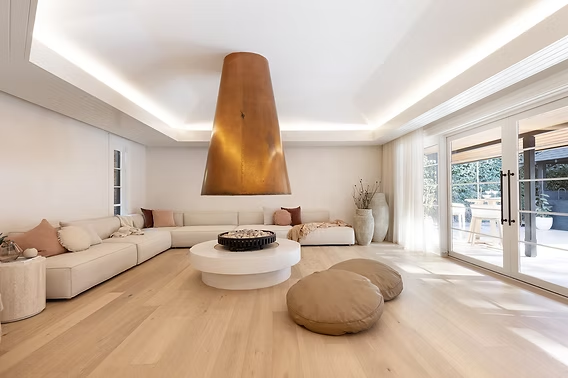
Modern timber-look flooring in a Sydney room
1. Compare toneNatural, grey, warm and Australian timber directions.
2. Check fitRoom brightness, plank feel and product category.
3. ContinueMove into quote, floor plan or review with clearer intent.
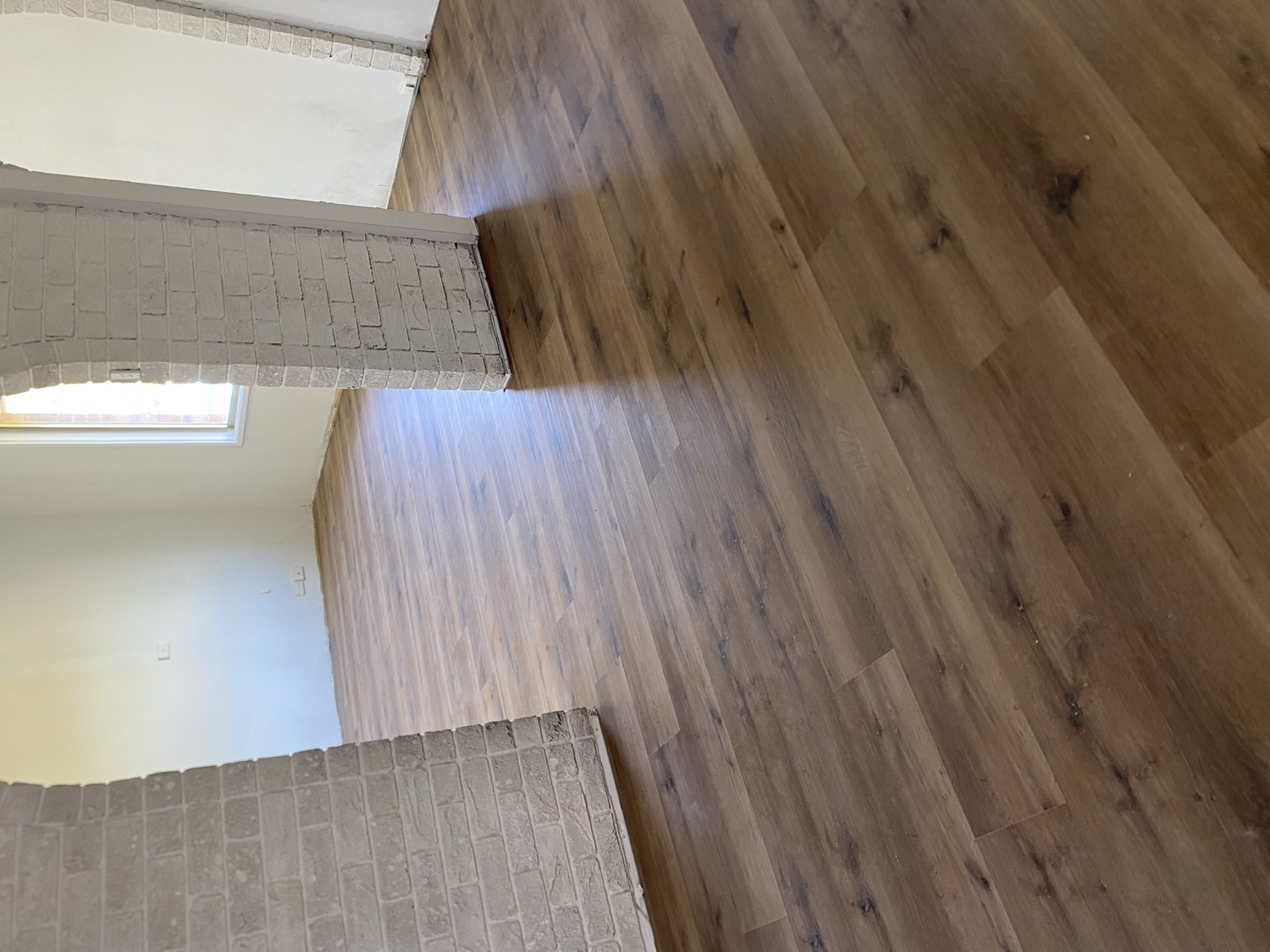
Sample room preview

Compare real product textures before you quote

Use the sample room to compare product colour, grain and plank direction, then continue with the closest product direction.

Avala Prague OakAvala Hybrid Planks | 6.5mm
Open plan Sydney room used as a sample flooring visualiser scene
Before
Preview

Product swatches are repository catalogue references. Room lighting, screen colour and preview scale can differ from the installed floor.

Browser-local photo

Try a product texture on your own room photo

Choose a room photo for this browser only, then trace and confirm the visible floor area. The image and points are not uploaded or stored.

No photo selected0 floor points set
Manual mask controlsTap floor corners to add points. Drag a numbered point, use its arrow keys, or select it and enter exact coordinates.
Prototype runtime candidateCanvas prototype idleNo model package, no model asset, no upload, no storage and no quote handoff are connected.
Choose a room photo to start manual masking.Your photo stays in the browser. No storage, AI detection or lead submission is connected here.

Use 3 to 8 points. Drag points directly, use arrow keys for fine movement, or zoom and scroll the editor for difficult corners.

FAQs

Room visualiser questions

Is this a final colour match?

No. It is a sample-room preview for comparing direction, tone and room feel. Final colour, product and installation details are reviewed before confirmation.

Can I upload my own room photo?

Yes. The photo is used locally in your browser for manual polygon masking. It is not uploaded, stored, sent to a quote, or processed by AI.

Which flooring types can I compare?

You can compare starting directions for hybrid flooring, laminate flooring and engineered timber.

What should I do after choosing a look?

Start a quote, upload a floor plan for area, request a quote review or contact Operon with the look you want to match.